



Modernization
Still running on old software? How to modernize without stopping the business
HITROO · September 26, 2026 · 3 min read
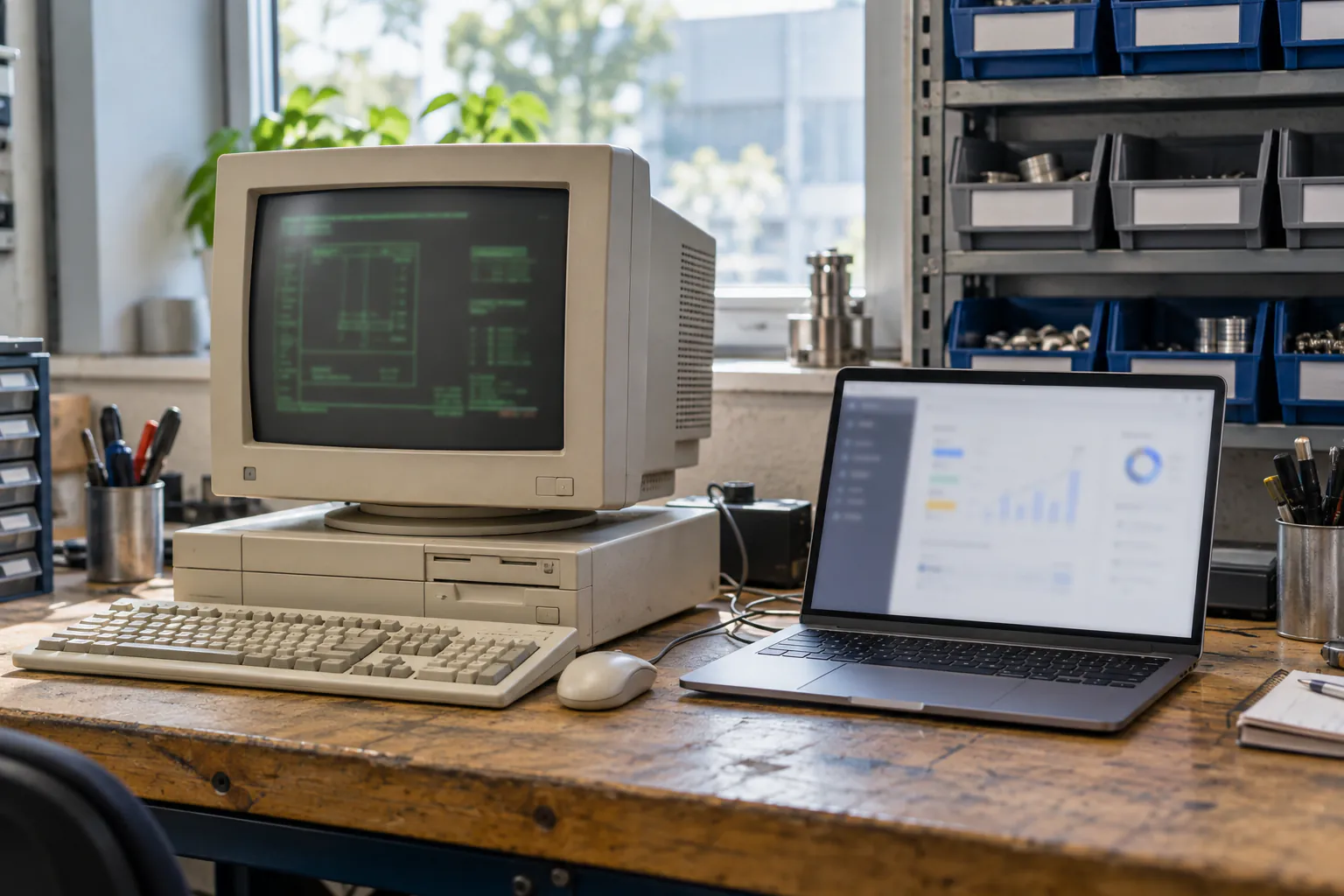
A Hacker News thread this week showed how many businesses still run on DOS and Windows XP. Why old systems survive, the risks that grow every year, and four ways to modernize without stopping work.
This week on Hacker News someone asked a simple question: who is still keeping a DOS machine running because the business depends on it? Nearly two hundred replies later, the answer was clear: a lot of businesses.
People described an opera house showing translations on Windows XP machines kept alive with parts from eBay, a paint line controlled by a 1999 PC running Windows 98, shop tills built on a DOS database and now run inside Linux, and a Fortune 100 plant running DOS programs in virtual machines. None of these businesses are careless. The old systems work, and replacing them looks riskier than keeping them.
Why old software survives
- It works. Years without an outage are hard to argue with.
- Nobody knows exactly what it does. The original developer has gone, and often the source code too.
- It talks to machines. Old cards, serial ports and dongles tie the software to old hardware.
- Downtime is expensive. A day without the system can cost more than the system ever did.
- Rules. In regulated work, changing software means certifying it again.
The risks that grow every year
The software doesn't wear out, but everything around it does. Spare parts get rarer and pricier. Old operating systems get no security updates, so the machine has to be cut off from the network, which blocks links to the rest of the business. Data sits in formats only one program can read. And the know-how usually lives in one person's head.
The real question is rarely whether to modernize. It is how to do it without stopping the business.
Four ways to modernize
1. Isolate and protect
Move the old system into a virtual machine or emulator on current hardware, cut it off from the internet and back it up every day. It is quick and cheap, and it buys time, but the dependency stays.
2. Wrap it
Leave the old system in place and build a thin layer around it that reads and writes its data, so new apps, reports and automation can use it. Staff get modern screens while the old core keeps running.
3. Replace it piece by piece
Rebuild one part at a time, for example orders first, then stock, then invoicing, with old and new running side by side and data kept in sync. Each step is small, tested and reversible. For most businesses this is the safest route.
4. Rebuild
When the old system blocks growth and the business rules are well understood, a clean rebuild can be the fastest route overall. It needs careful data migration and a parallel run before the switch.
How to decide
Start with three questions. What happens if the machine dies tomorrow? Which parts of the work does the old system really do? Who still knows how it works? The answers usually point to one route, and often to a mix: protect it now, wrap it next, then replace it piece by piece.
How we do it
We start by mapping how your business runs today and what the old system really does, including the parts nobody wrote down. We design the new screens with you, build working software early, test every change and run old and new side by side until you are confident. After launch we stay: support runs through the HITROO app, with a first reply within 24 hours and most fixes within 48.
Running on something old? Tell us what your business runs on and we'll suggest the safest route. See also custom software and managed services.
Questions
Can we keep using the old system while the new one is built?
Yes. The old system keeps running until each part of the new one has proven itself, and data stays in sync during the switch.
What happens to our old data?
It moves with you. Old databases and file formats can almost always be read, cleaned and brought into the new system, and the numbers are checked before the switch.
Can new software work with our old machines?
Often, yes. Serial devices, barcode scanners, printers and industrial controllers can usually be connected to new software through adapters or small services.
Is it cheaper to keep the old system?
In the short term, usually. Over a few years, rising part costs, security limits and missing integrations tend to make a step-by-step replacement the cheaper path.